
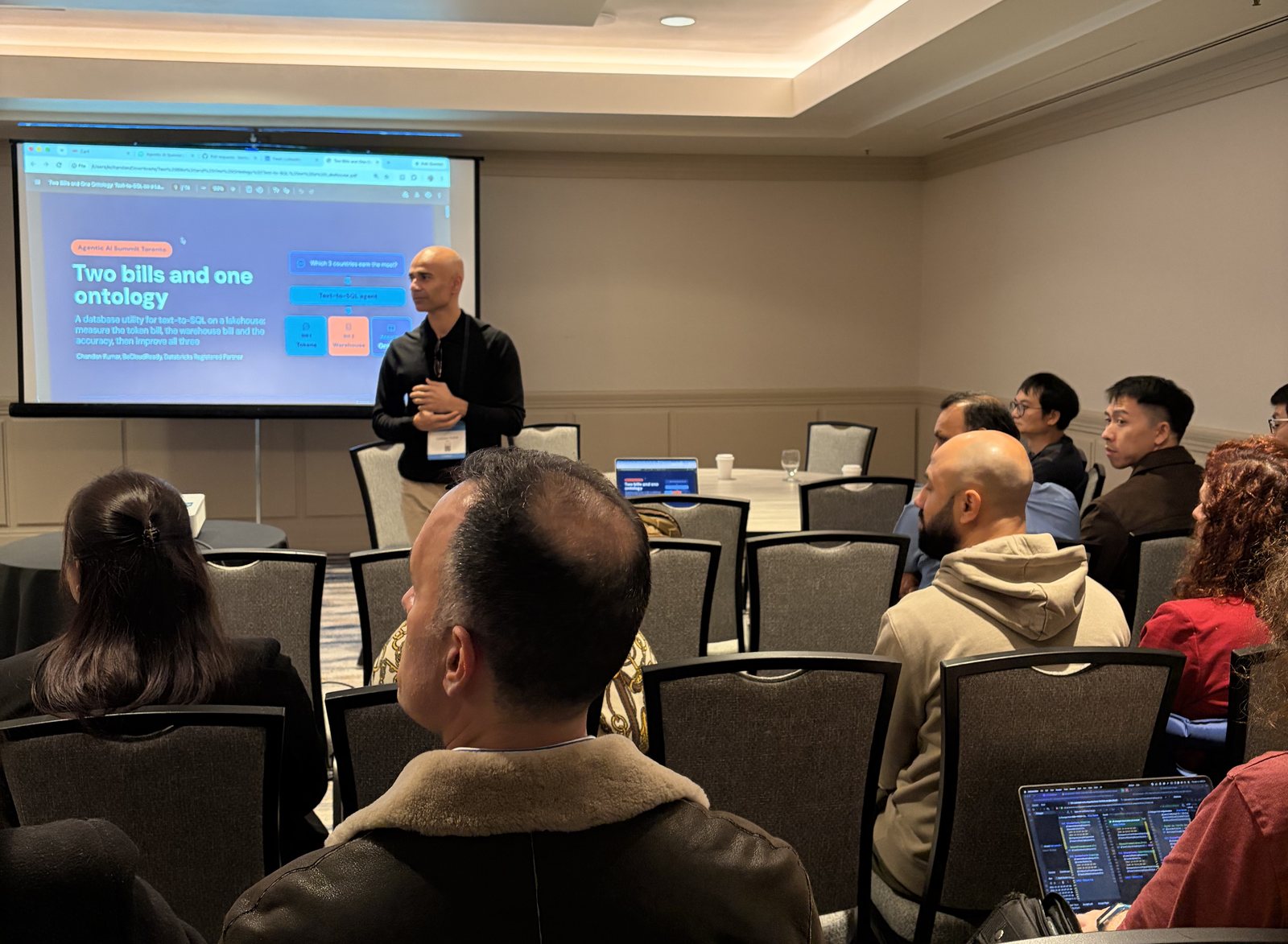
Agentic AI Summit Toronto Workshop Recap: Text-to-SQL Costs
WhenThu, November 12, 2026 · 2:00 p.m. EST
WhereMarriott Downtown at CF Toronto Eaton Centre, 525 Bay Street
On November 12, 2026, TorontoAI ran a hands-on workshop at the Agentic AI Summit Toronto, organized by the AI Accelerator Institute at the Marriott Downtown at CF Toronto Eaton Centre (525 Bay Street). Chandan Kumar, organizer of TorontoAI and founder of beCloudReady, showed how teams can lower the total cost of ownership (TCO) of a text-to-SQL agent by measuring what each question costs and by writing down what their data means.
The talk was called Two bills and one ontology. The idea: every plain-English question to a data agent creates two bills, the LLM tokens and the warehouse compute that runs the SQL. Most teams see only one of them.
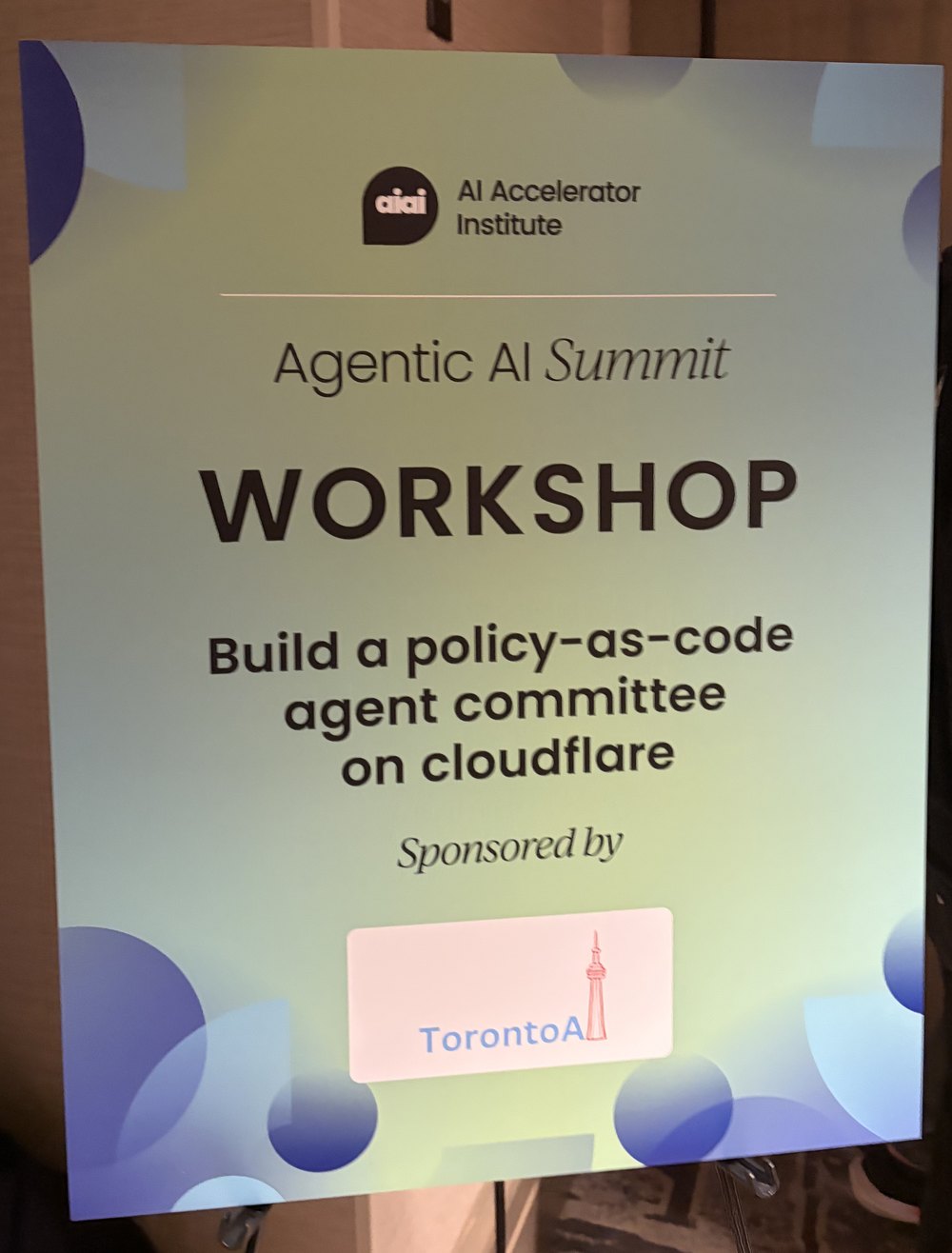
TorontoAI was a workshop sponsor at the summit, as the signage outside the room shows.
What the workshop covered
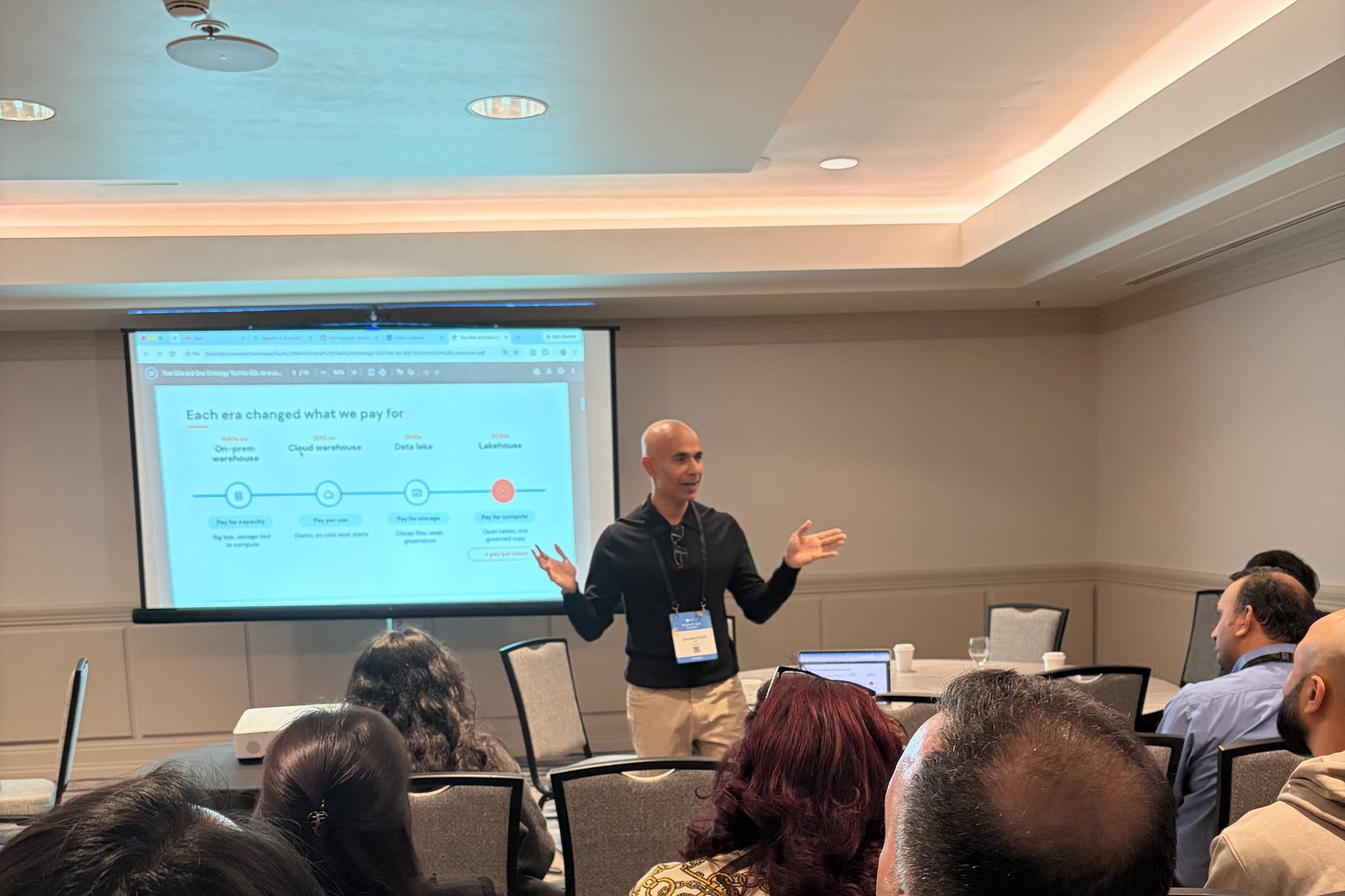
- Why the cost model changed. Each data platform era changed what teams pay for: capacity on-prem, usage in the cloud warehouse, storage in the data lake, and compute in the lakehouse. An AI agent on top of the lakehouse adds a second meter, the model.
- Six levers on two bills. On the token bill: send less context, pick a cheaper model, cap the answer length. On the warehouse bill: allow SELECT only and cap rows, estimate the query before it runs, and ask for approval when it is over a limit.
- The ontology. Most wrong answers from a text-to-SQL agent are facts about your data that no schema contains, such as which flag value means approved. A short file of notes fixes them.
The demo: a local 7B model and a Databricks-hosted 120B model
The live demo used the open-source db-agent with two models:
- A 7B-parameter Qwen model running on a laptop through Ollama. It has no per-token cost.
- An open-weight 120B-parameter model hosted on Databricks, called through the same OpenAI-compatible setting.
db-agent switches between them by changing the model settings in a .env file, so the same questions, the same data and the same cost checks apply to both. That is what makes the comparison fair: you can pick the cheapest model that passes your own test questions.
In an earlier benchmark of 17 questions on a Databricks dataset (one run each, so read it as "on this test set"), the same 7B model answered 14 correctly with the schema alone and 17 with an ontology. The full write-up with every run and its limits is on the beCloudReady blog.
What the room asked about
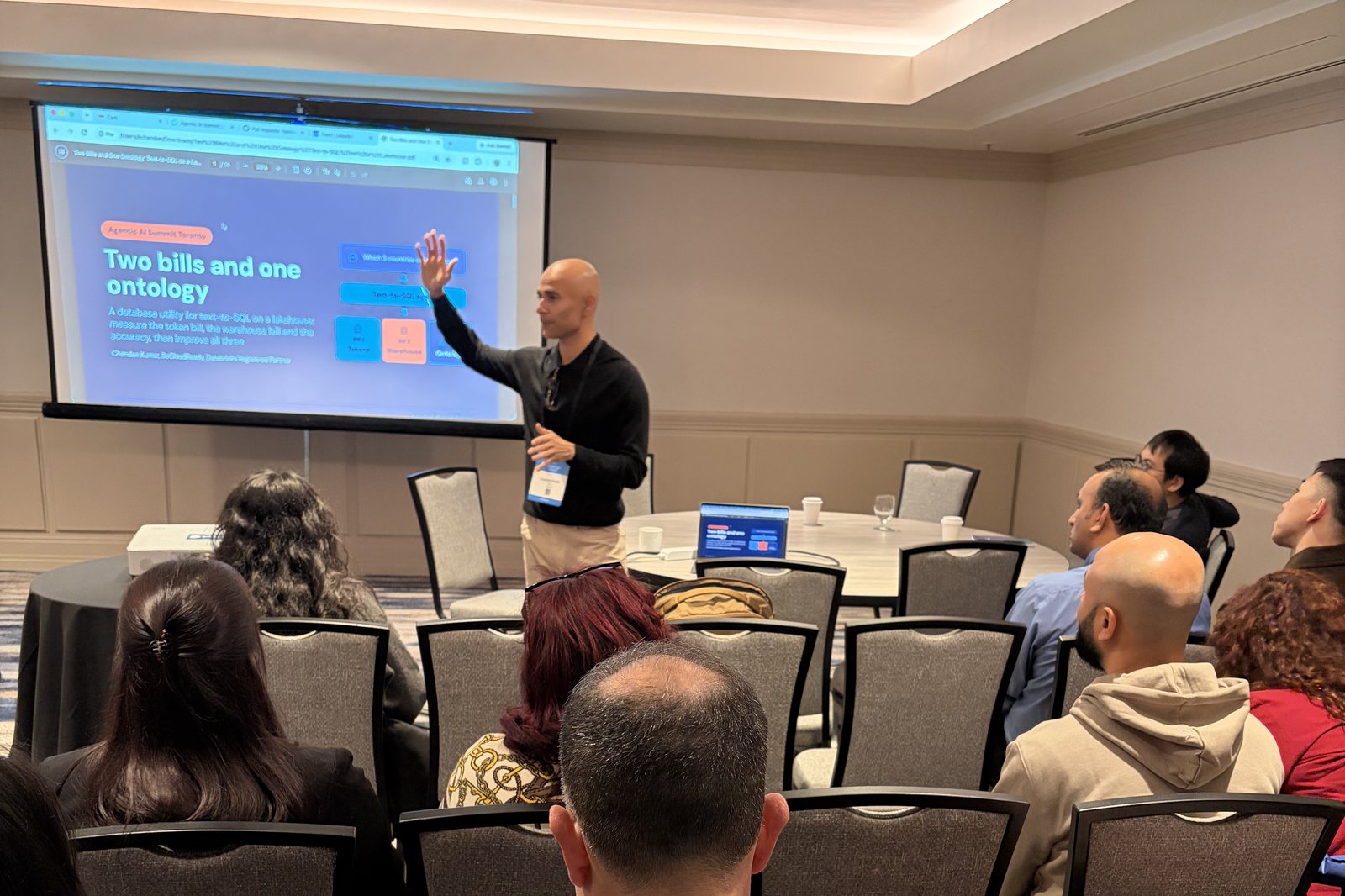
Two topics drew most of the questions.
1. The warehouse cost estimate
Attendees wanted to know how db-agent can say what a question will cost before it runs. On Databricks, it runs EXPLAIN COST first, then prices the query from the workspace's own system tables: the warehouse size, the DBU price, and the rows and time seen on that warehouse. The result is shown as a range. Three limits decide whether a query runs on its own or waits for a person to approve it: estimated rows, estimated data scanned, and estimated warehouse cost. All three can be changed in the app.
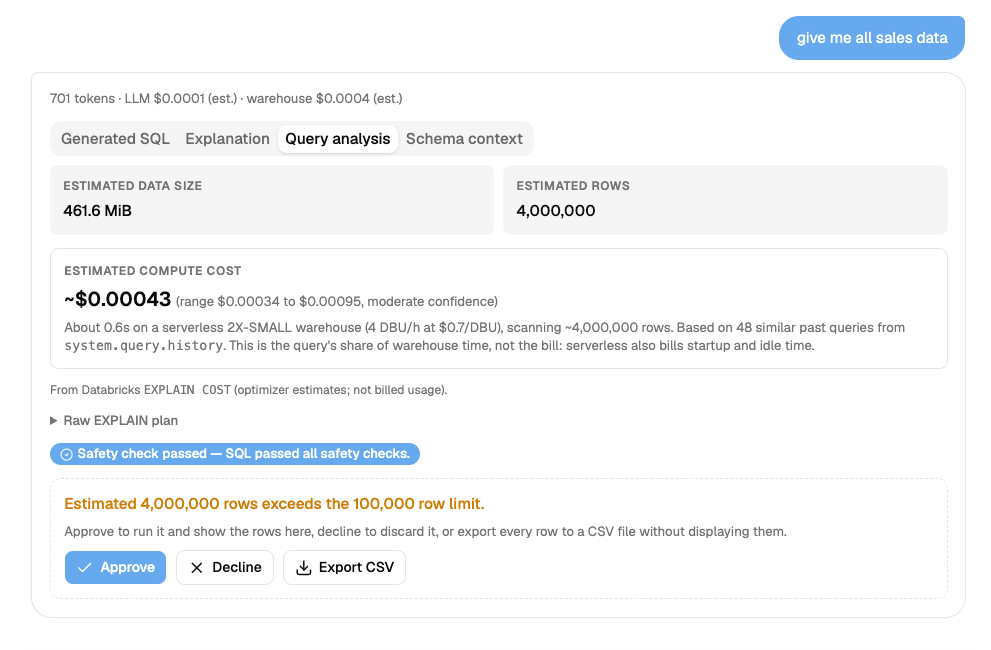
The screenshot shows the simple query explainer in the app. For the question "give me all sales data", db-agent reports 701 tokens with an estimated LLM cost and an estimated warehouse cost, then the Query analysis tab shows the estimated data size (461.6 MiB), the estimated rows (4,000,000) and an estimated compute cost with its range and confidence. Because 4,000,000 rows is over the 100,000 row limit, the query waits: approve it, decline it, or export every row to a CSV file without displaying them. The other tabs show the generated SQL, a plain-language explanation and the schema context the model saw.
One honest limit came up too: the estimate is the query's share of warehouse time, not the bill. A serverless warehouse also bills startup and idle time.
2. Data analysts and the ontology, without write access
Most data analysts cannot change the semantic layer or write to the database. The question was how they can still own the knowledge the agent needs. In db-agent, the ontology is one file, knowledge.json, kept next to the app and not in the database:
- The Scan database button reads table and column names, types, comments and declared keys. It never reads rows. It draws up a draft, shows a readiness score out of 100, and lists which columns look like undocumented codes. On the demo data the scan scored readiness at 40 out of 100 with nothing written, and the database alone described 0% of its columns. It also counted tables without a key and columns that look sensitive. After the analyst wrote 46 table notes, 4 definitions, 6 rules and 3 examples, readiness rose to 72 out of 100.
- An analyst writes what the values mean, defines terms such as revenue as SQL, and adds house rules. Save for the team stores it, with a backup of the previous version, and every caller reads it on the next question: the web app, the HTTP API and MCP clients.
- It can be exported as JSON or as a
SKILL.mdfile for agents that write their own SQL.
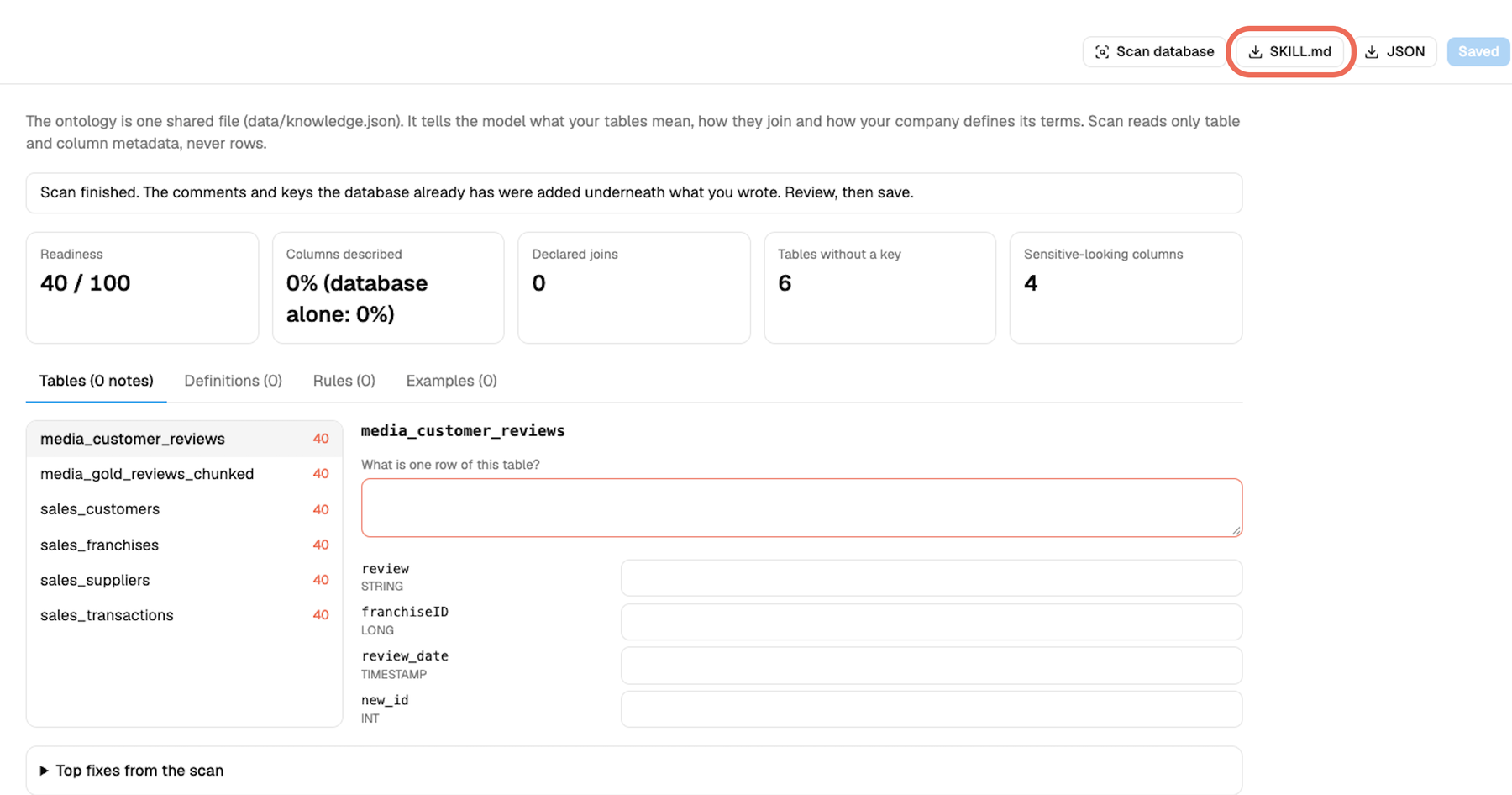
The screenshot shows the Ontology screen right after a scan, before any notes are written, with the SKILL.md export button highlighted next to JSON. Each table lists a score and a field for what one row means, plus one note per column.
The agent's database login only needs to read. The people who know the business can still document it. The ontology adds about 500 tokens a question, which is free on a local model and a multiplier on a paid one, so it is a trade and not a saving.
Takeaways
- Look at both bills for every question: tokens and warehouse compute.
- Measure on your own questions, then choose the cheapest model that passes.
- Write down what your data means in one shared file, so every tool reads the same definitions.
- Put an estimate and an approval step between the model and the warehouse.
About TorontoAI
TorontoAI is a Toronto AI community for engineers, founders, data leaders and business teams who want to learn what works with AI in production. We run meetups, workshops, panels and summits across the city, and we share recaps like this one. If you are looking for AI events in Toronto, an AI meetup for founders, or a place to meet people building with agents and data, start with the events page and the TorontoAI Luma calendar.
Want to see where the talk was held? The summit page is on the AI Accelerator Institute site.
Frequently asked questions
What is the TorontoAI community? TorontoAI is a community of AI practitioners, founders and business leaders in Toronto. It runs in-person events on agents, data, governance and AI in enterprise.
Who was this workshop for? Data engineers, analysts, platform teams and business leaders who are putting an AI agent in front of a data warehouse or lakehouse and need to control cost and accuracy.
Do I need a big model for text-to-SQL? Not always. In our test set, a 7B model with an ontology matched or beat a 120B model that had the schema alone. That is one test with one run per question, so measure on your own data.
Can I run db-agent myself? Yes. It is open source under Apache 2.0 and runs on a laptop. The setup guide for Windows and Mac walks through it.
How do I hear about the next TorontoAI event? Follow the TorontoAI calendar on Luma or check the events page.
